The Hierarchy
MartechAI uses a Tenant > Workspace > Users > Data structure. Your tenant is your organization, workspaces are team/client environments, and data is completely isolated between workspaces.
What is a Tenant?
Your tenant represents your entire organization. It has a unique slug, one or more workspaces, and your billing subscription.
What is a Workspace?
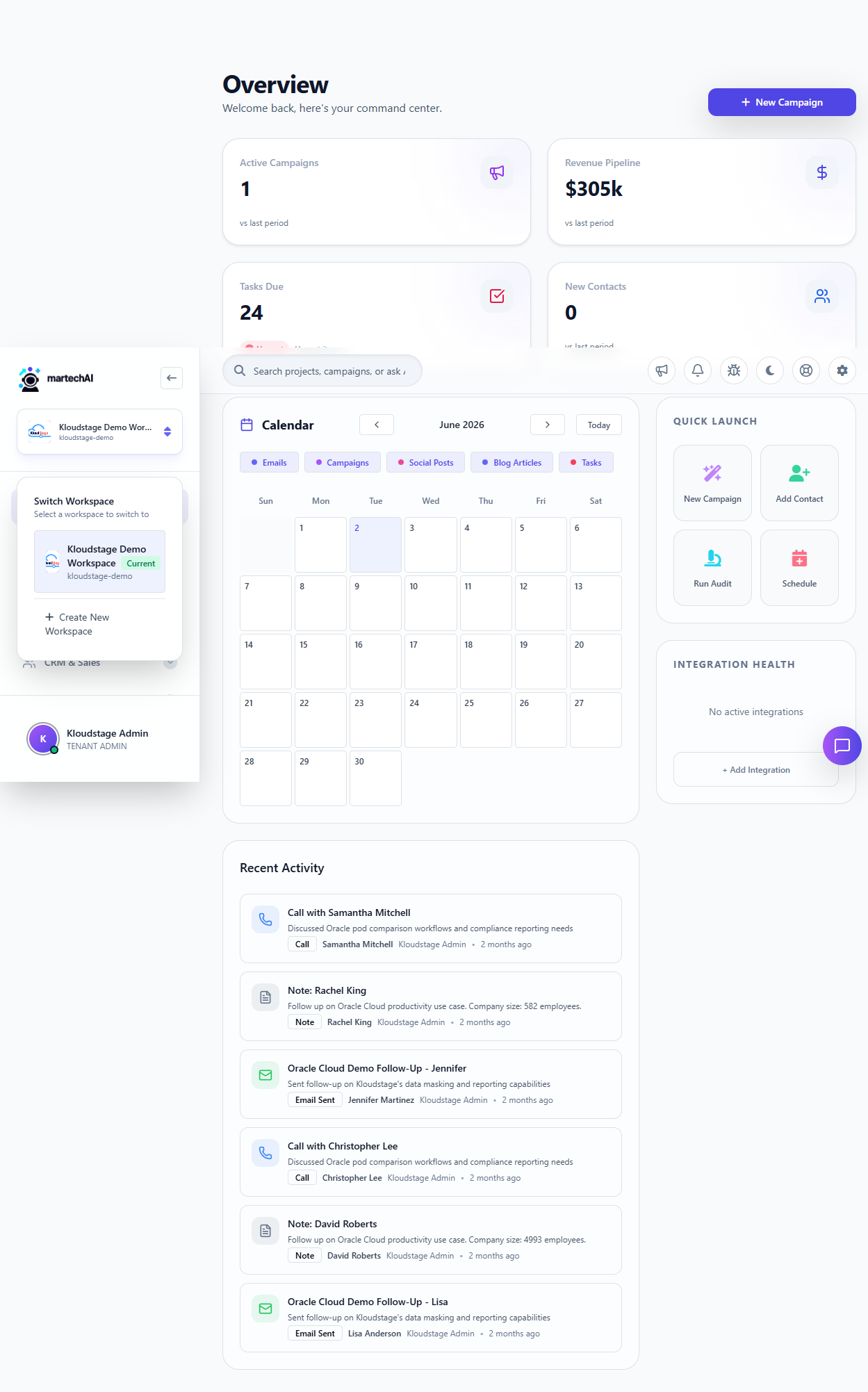
A workspace is a dedicated environment for a team, client, or project. Each workspace has its own contacts, campaigns, settings, integrations, and analytics.
User Roles
Each workspace supports role-based access control. Assign users as Admin, Manager, Editor, or Viewer with granular permissions.
Data Isolation
Data is completely isolated between workspaces. Contacts, deals, campaign analytics, and AI training data are scoped to their workspace. Ideal for agencies managing multiple clients.
Billing
Your subscription is managed at the tenant level and applies across all workspaces. Upgrade or downgrade from the Settings page.
Was this article helpful?
Your feedback helps improve the documentation experience.