Top Bar
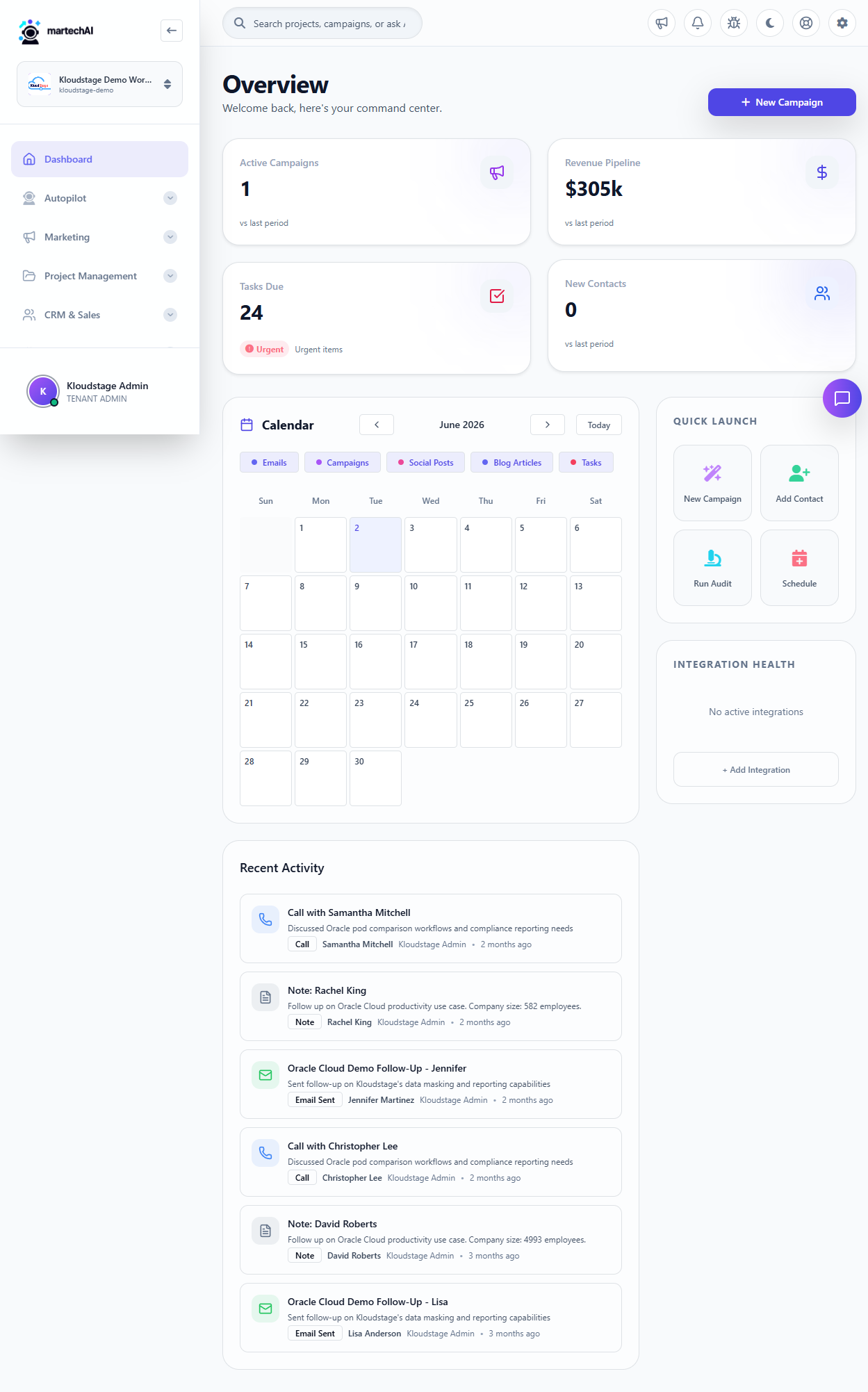
At the very top of every page you will find the Global Search bar, Notifications bell, Report a Bug button, Dark Mode toggle, Support link, and the Settings gear icon for workspace management.
Sidebar Navigation
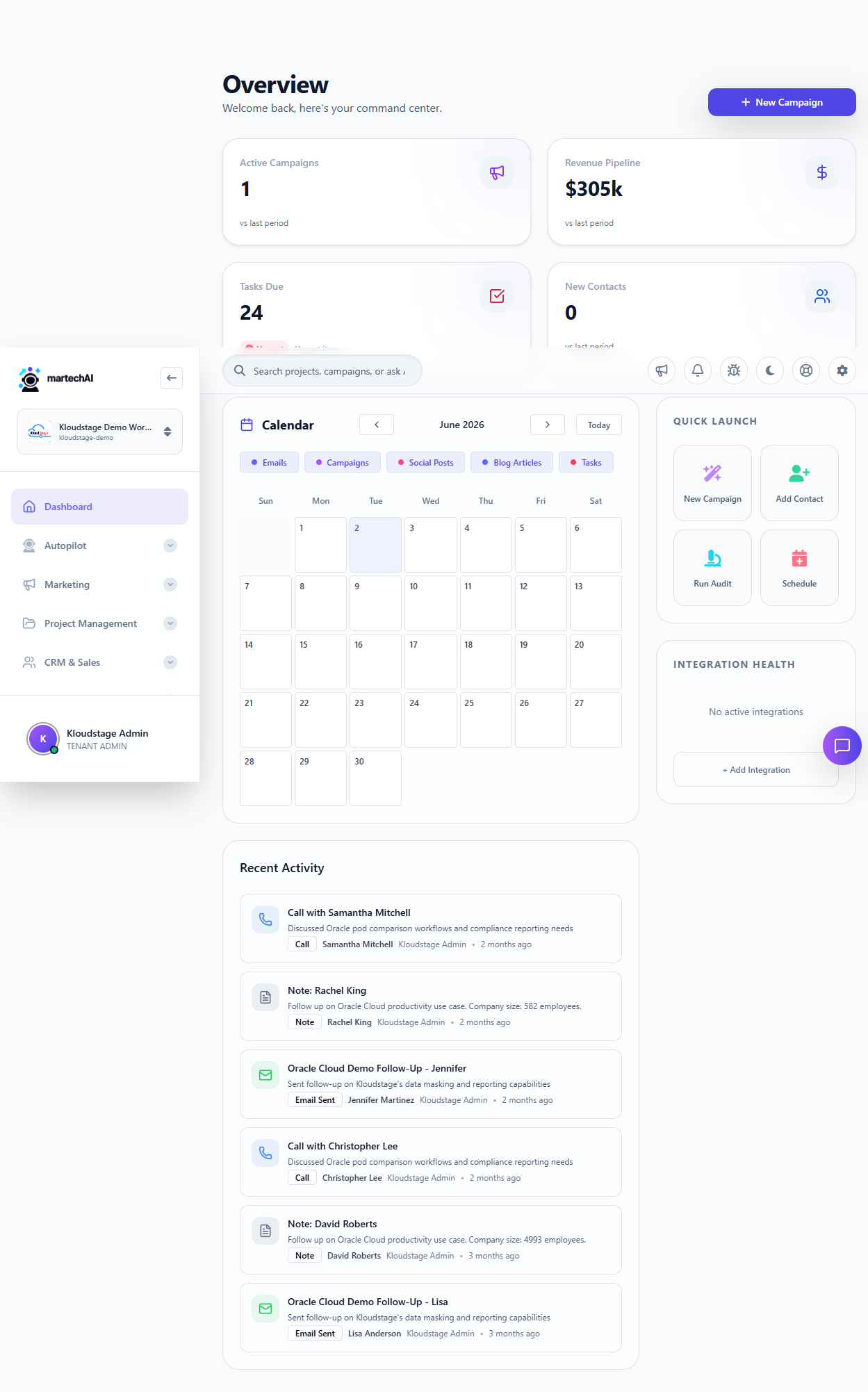
The left sidebar organizes every feature into collapsible sections: Dashboard, Autopilot, Marketing, Project Management, CRM and Sales, Intelligence, and Analytics. Click any section header to expand or collapse it.
KPI Cards
Four metric cards at the top show Campaigns, Pipeline Value, Contacts, and Deals. Click any card to jump directly to that section of the app.
Calendar
The monthly calendar shows scheduled activities. Use the filter buttons to toggle Emails, Campaigns, Social Posts, Blog Articles, and Tasks visibility.
Recent Activity
Live feed of recent actions — calls, notes, emails sent, and contact updates — with who performed them and when.
Quick Launch
Four shortcut buttons: New Campaign, Add Contact, Run Audit, and Schedule — jump straight into common workflows.
Integration Health
Status indicators for connected platforms. Green means healthy, yellow needs attention, red means failed. Click Add Integration to connect a new platform.
AI Assistant
Ask natural language questions about your workspace data from the right sidebar panel. View conversation history or start new threads.
Was this article helpful?
Your feedback helps improve the documentation experience.